


Fast diffusion model's inference at Aquanode
In this blog we will cover various methods that are employed for fast inference on diffusion models
For gated repo make sure you have HuggingFace Token for access, Like FLUX is
Now select a gpu from marketplace, for our purpose a 48GB VRAM gpu will work: https://console.aquanode.io/marketplace?vram=48GB&computeType=all
It's simple process, just have a ssh key, put it etc. A straight process, but if you still need help:
You can checkout here how to deploy a VM https://docs.aquanode.io/docs/virtual-machines/running-vm
Now in the VM
export HF_TOKEN=your-hf-token
Setup development cuda: nvcc; if not installed on your VM.
For ubuntu22/24 this will work
wget https://developer.download.nvidia.com/compute/cuda/repos/ubuntu2404/x86_64/cuda-keyring_1.1-1_all.deb
sudo dpkg -i cuda-keyring_1.1-1_all.deb
sudo apt update

sudo apt install -y cuda-toolkit-12-8

echo 'export PATH=/usr/local/cuda-12.8/bin:$PATH' >> ~/.bashrc
echo 'export LD_LIBRARY_PATH=/usr/local/cuda-12.8/lib64:$LD_LIBRARY_PATH' >> ~/.bashrc
source ~/.bashrc

# Verify
nvcc --version
Install uv
wget -qO- https://astral.sh/uv/install.sh | sh
For our VM of cuda12.8, torch 2.9.0 will be faster as it's wheels are available, you can go with updated version of torch,if wheels available for that, otherwise it will automatically build yours(sometimes take time).
uv venv
source .venv/bin/activate

# Number of cpus to allocate for flash attn build, more will use more RAM, refrain from using more than 32, even in high config VM
export MAX_JOBS=8

export CUDA_ARCH=$(nvidia-smi --query-gpu=compute_cap --format=csv,noheader | head -n1)
export TORCH_CUDA_ARCH_LIST="${CUDA_ARCH}"
export FLASH_ATTN_CUDA_ARCHS="${CUDA_ARCH}"

uv pip install torch==2.9.0 psutils setuptools ninja huggingface_hub
uv pip install "xfuser[flash-attn]" --no-build-isolation
uv pip install fastapi pydantic ray uvicorn

git clone https://github.com/huggingface/diffusers
cd diffusers
uv pip install -e .
cd ..
Get the code file to run the server from awesome-aquanode
Best to run for Command for single gpu server (48GB Vram)
python flux_xfuser.py --model black-forest-labs/FLUX.1-dev --ray_world_size 1 --use_teacache --use_fbcache
OR
python flux_xfuser.py --model black-forest-labs/FLUX.1-dev --ray_world_size 1 --use_teacache --use_fbcache --use_torch_compile
If you are going to use it as inference server, you can just use startup scripts at https://console.aquanode.io/workloads/startup-scripts
Inference time
curl -X POST http://localhost:6000/generate \
  -H "Content-Type: application/json" \
  -d '{
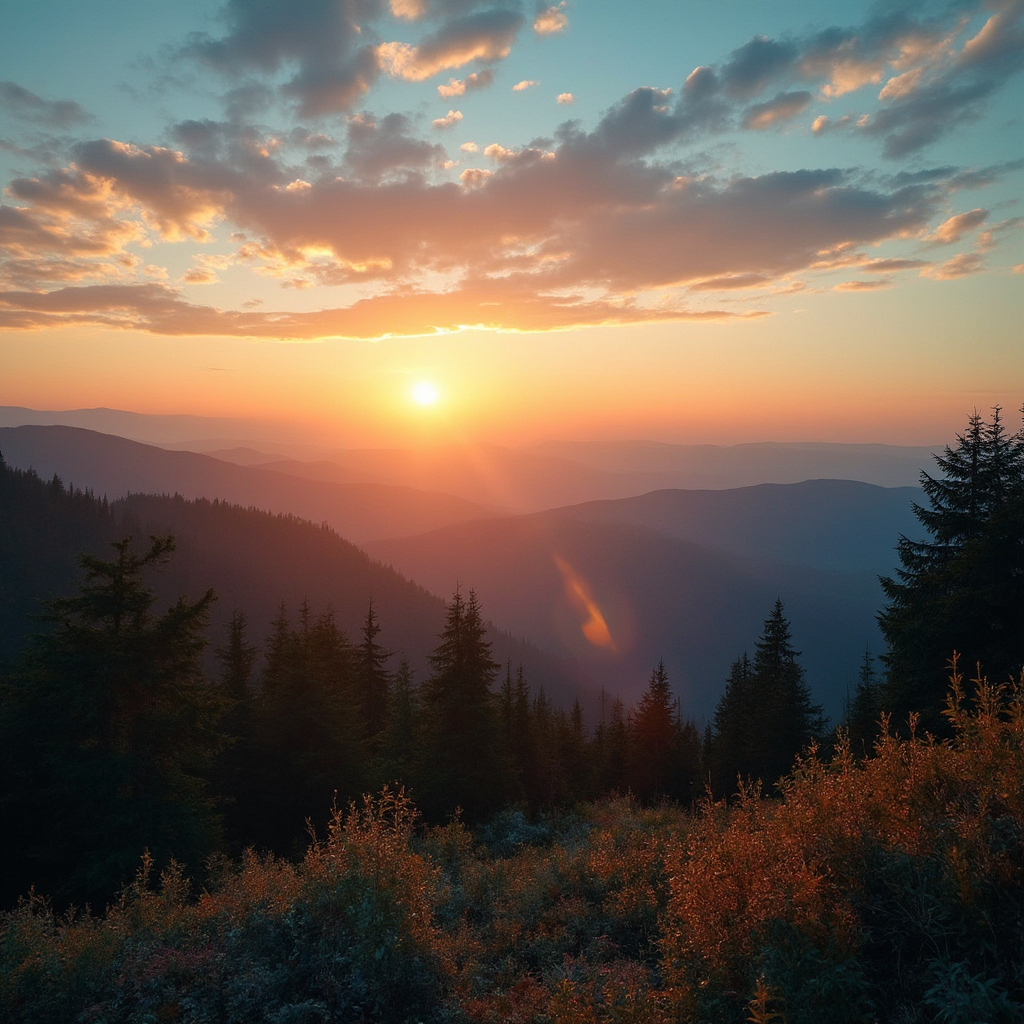
    "prompt": "a beautiful mountain landscape at sunset",
    "num_inference_steps": 28,
    "height": 1024,
    "width": 1024,
    "seed": 42,
    "save_disk_path": "/tmp/outputs"
  }'
Not providing save_disk_path, will default the api to return base64 encoded image
Results like:
Have more traffic? Just rent a multi-gpu VM follow same process and instead run
python flux_xfuser.py --model black-forest-labs/FLUX.1-dev --ray_world_size 1 --use_teacache --use_fbcache --data_parallel_degree $NUM_GPU
And now server will distribute the requests across GPUs
